My Story
The idea for Bite Roulette began when a friend invited me to his family's Georgian restaurant in Queens, a place with no Yelp presence, a handwritten menu, and maybe twelve tables. I'd never had Georgian food before. I left obsessed.
That meal made me realize how many restaurants like that exist in New York — incredible, authentic, family-run spots that never show up when you search "restaurants near me" because they don't have the budget to compete with chains for visibility.
Research
After defining the problem, the next step was figuring out how to actually build it. I researched different development platforms and first landed on Bubble.io, a no-code tool that lets you build web apps without writing backend code from scratch. I built an initial version of Bite Roulette on Bubble — it handled the database, UI, and workflow logic all in one place. But as the project grew more complex, I kept running into limitations: the globe integration was clunky, API handling was rigid, and customizing the frontend felt like fighting the platform at every step.
That's when a friend told me about Claude Code, an AI-powered coding assistant that lets you build fully functional web apps through natural language conversation. Switching to Claude Code was a turning point. It handled HTML, CSS, JavaScript, and API integration all in one workflow, and gave me complete control over every detail of the app. The flexibility was night and day compared to what I had before.
For the restaurant data, I researched available APIs and chose the Google Places API. It returns real-time restaurant data including names, ratings, photos, opening hours, and location; everything the app needed. Combining Claude Code's development workflow with Google Places API calls meant I could build a fully functional restaurant discovery app that pulls live data based on the user's location.
Materials
The app was built using Claude Code, an AI-powered coding assistant that generates and manages HTML, CSS, and JavaScript through conversational prompts. Restaurant data is pulled live through the Google Places API, which provides names, ratings, photos, addresses, and opening hours. Google Cloud Console was used to manage and restrict the API key. The Globe.GL library was used to display the spinnable globe.
Resources
Building the app required learning on the fly. Claude Code's ability to iteratively generate, debug, and refine code was the primary development method throughout the project. Google Places API documentation was used to understand available data fields and how to format requests correctly. Claude Code served as both the development environment and AI assistant, helping to troubleshoot logic, debug JavaScript, and work through API integration challenges.
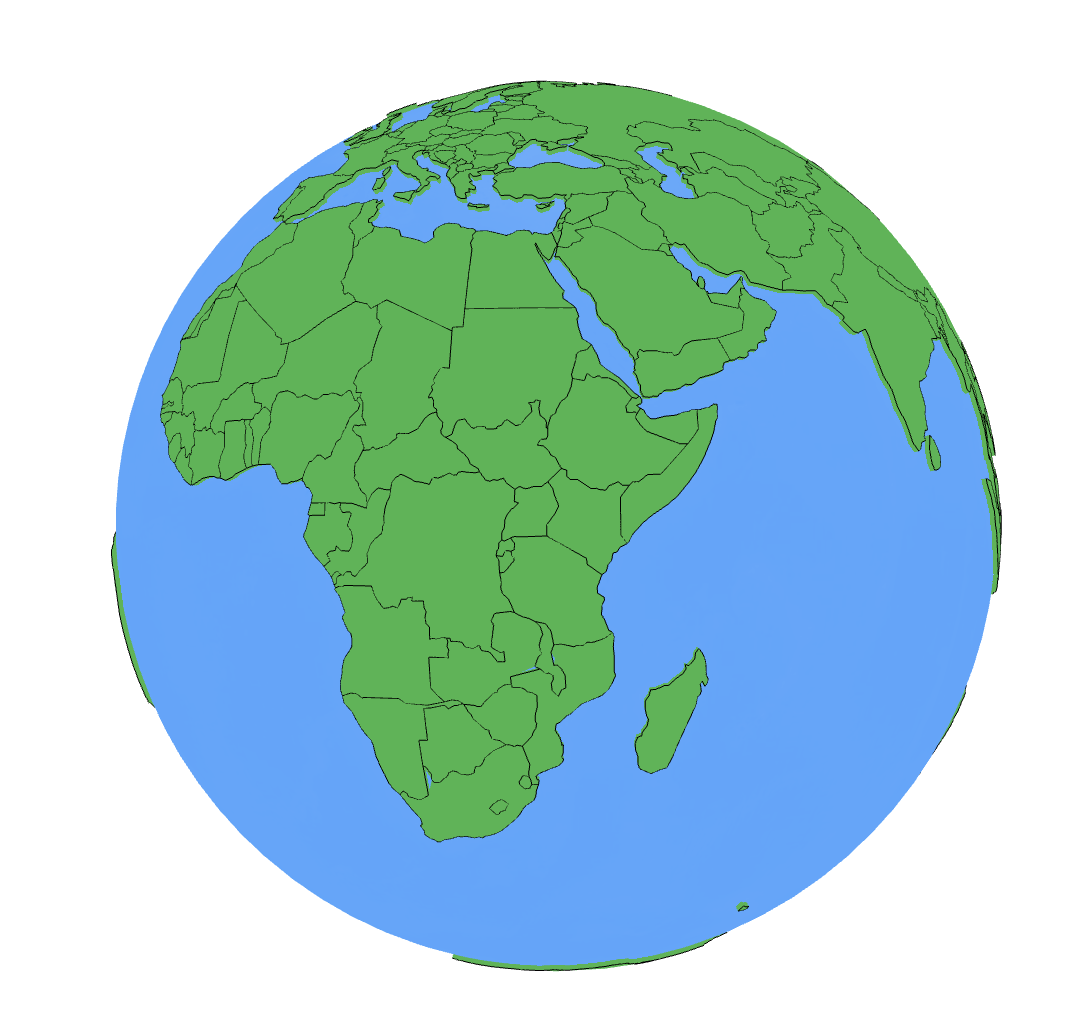
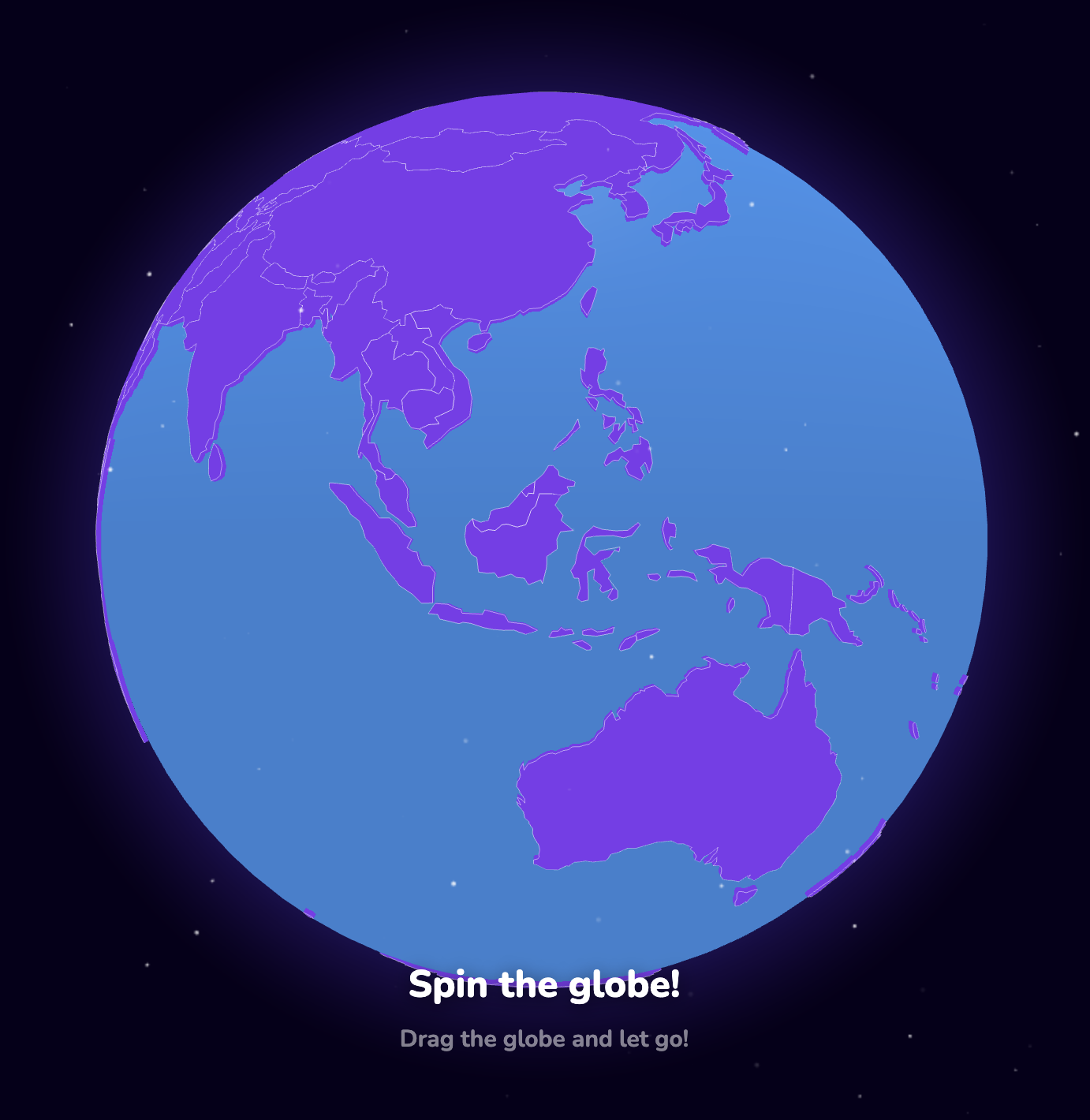
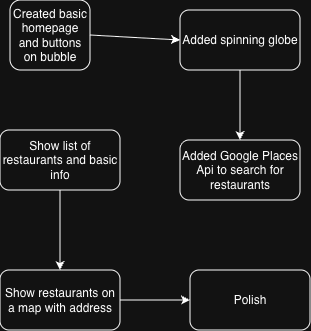
Below are a few graphics of my project, showing a development diagram and the evolution of the globe from my first attempt to the current version.
This application process has been a learning experience. Going in, I had never used Claude Code, had never used an external API, and had never a clue about the depth of complexity in a simple website development. What I had initially thought was a simple process turned out to be a series of problems to be worked out one by one. Figuring out how to move information from the API to the frontend, getting JavaScript to function correctly with Claude Code's output, and understanding why the information I was getting back from Google was in the wrong format were all challenges I had to overcome.
The biggest challenge was the API. Getting the Google Places information to actually go into the application and display correctly was the longest part of the process. There were a lot of times when I wasted so much time figuring out the problem, only to realise that I was doing it completely wrong. There were a lot of times when I had to start over using a different method. While it was frustrating at times, I learned the most during those times.
If I were to redo this project, I think I would spend more time planning the data structure before starting anything. Many of the issues I ran into were because I made some early decisions that I would have to reverse later. Having a better idea of the data I needed, where it was coming from, and how it would flow through the application would have saved me a lot of time.